
OCS Inventory NG Default Username and Password
Default Username and Password of OCS Inventory NG and how to change it
Last verified: November 2026.
OCS Inventory Login: Quick Answer
- Web console: http://server/ocsreports, user admin, password admin.
- Default database account (set during install): ocs / ocs on database ocsweb.
- After the install, delete install.php; OCS shows a warning until you do.
- Change the admin password from the user menu as shown below, and the database password in dbconfig.inc.php.
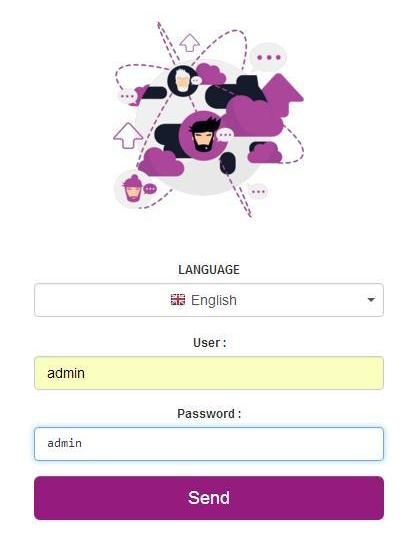
OCS NG Default Password
Default URL : http://your_administration_server/ocsreports
Default User Name : admin
Default Password : admin
How to Change the Default Password
Go to My Accounts ->password
And enter your new password there.
